 The Outsynk team
In this article
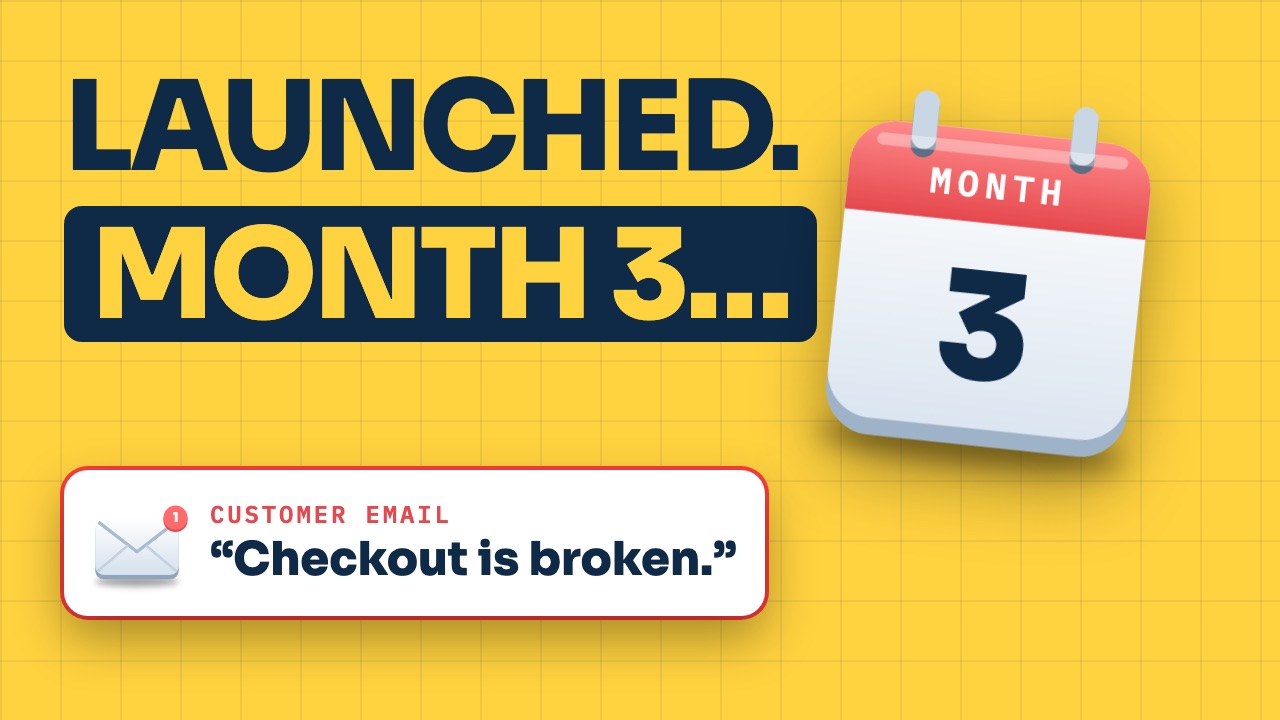
Your project launched. You asked the right questions, picked a good team, and everyone celebrated. Then month three arrives. A customer emails to say checkout isn’t working. You message the developer and hear nothing back. It turns out the warranty ended last week, the domain renewal went to an old email address, and the person who built the payment system has moved to another project.
None of this is unusual. Launch isn’t the end of a project. It’s the start of owning one, and software maintenance after launch is the part most quotes leave out. The quote covers building it. Running it, fixing it and keeping it current is a separate job that someone has to plan.
A useful way to think about it: your project isn’t a purchase, it’s more like a building. The day you get the keys, the work changes. It doesn’t stop. Our senior delivery team has spent 8+ years running projects on the agency side, and the ones that stayed healthy after launch usually had the same seven things in place. They apply to any project: a website, a web app, a mobile app, or software your team uses every day.
Get the keys
Before the final invoice is paid, you should be holding everything. The code, in a repository your company owns. The domain, the hosting, the database, the app store accounts. Every admin login, with you as the owner and the agency as a guest.
Red flag: “We’ll keep the access for now, it’s easier.” It is easier. For them.
Good practice is a written handover list: every account, who owns it, where the passwords are stored, and a short document that explains how the system works and how to release a new version. Here’s the test. If a new team started on Monday, could they pick it up?
Plan the first few weeks
Launch is when real users start finding what testing missed. Good teams plan for it. This stretch is often called hypercare, or the warranty period: usually a few weeks to a few months where the team watches the system closely and fixes launch bugs at no extra cost.
Your job is to report problems well. Use one channel, not five group chats. Include a screenshot, what you did, what you expected, and how serious it is. Critical means customers can’t pay or log in. Low means a typo.
Ask: “How long is the warranty, what does it cover, and when exactly does it end?” Then put that date in your calendar. Most people only find it when it’s already gone.
Agree how support works
This is where most of the costs nobody quoted actually live. After the warranty, fixing anything is new work, so decide now how that work gets bought.
There are two common models. A monthly support plan, sometimes called a retainer, with a set number of hours. Or pay per fix, which looks cheaper until something urgent happens.
Either way, you want two numbers in writing. Response time is how fast someone looks at the problem. Fix time is how fast it’s actually solved. They’re different, and the gap between them is where the surprises are. Together, these usually sit in a service level agreement.
Ask: “If checkout breaks at two in the morning on a Saturday, who answers, and how fast?”
Keep it running
Software doesn’t run on its own. It runs on servers, services and accounts that all need paying and watching.
Good practice starts with monitoring: alerts that tell the team when the site is down or errors spike, before your customers tell you. Then backups. Not just “we have backups,” but a restore that has actually been tested.
Then a renewals calendar. The domain. Security certificates. Software licenses and plugins. App store accounts: $99 a year for Apple’s developer program, and a one-time $25 for Google Play. And the hosting, email, maps or AI services that grow with every new user. This is the part of app maintenance cost that moves the most, because it scales with use.
Ask: “What will this cost to run each month at today’s usage, and at ten times today’s usage?”
Keep it current
Even if you never change a single feature, the world around your software keeps changing. Browsers update. Phones update. The libraries your code is built on publish security fixes all the time.
The platforms change their rules too. In 2026, Apple began requiring app updates to be built with its latest tools. Google requires apps to target a recent version of Android, and apps that fall too far behind stop being shown to new users on newer phones. Websites have their own version of this: an outdated plugin or server is one of the most common ways sites get hacked.
Red flag: “If it isn’t broken, don’t touch it.” With software, not touching it is how it breaks.
Good practice is scheduled maintenance: a regular slot, monthly or quarterly, to apply updates, test them and release them. Planned work, instead of emergencies.
Keep improving it
Once real people are using it, you’ll learn more in a month than in the whole build. Some features nobody uses. Some things everyone asks for.
Good teams set this up from day one. Analytics, so you can see what people actually do. A simple way to collect feedback. And one list of ideas and fixes, in priority order, that everyone works from.
Then a steady rhythm: small releases every few weeks, each one tested and shown to you before it goes live. Every new idea goes through a change process: you ask, the team estimates the cost and time, you approve, then they build. If you haven’t hired a team yet, that process is one of the questions to ask before you hire an app developer.
Ask: “How will we decide what to build next, and how often will we release?”
Own it on your side
The agency can do everything right, and the project can still drift if nobody in your business owns it. So name one person. Not a committee. One person who makes decisions, approves changes and knows the budget.
Then set that budget. A common planning rule is 15 to 20 percent of the build cost every year for maintenance and support, with the running costs that grow with usage added on top. On a $42,000 build, that’s roughly $6,300 to $8,400 a year before hosting and services. It’s a starting point, not a law, but it’s a lot better than zero, which is what most people plan for.
To put real numbers against each line, use our free after-launch budget worksheet. It’s a simple spreadsheet for the costs that come after launch, so you can see the full first-year picture next to the build quote.
And once a quarter, sit down with the team: what broke, what it cost, what’s coming next, and what needs updating before it becomes urgent. Then ask yourself one question: “If our main contact at the agency left tomorrow, would we be okay?”
Software maintenance starts before you sign
Seven things: get the keys, plan the first weeks, agree how support works, keep it running, keep it current, keep improving it, and own it on your side.
You don’t need all seven perfect on launch day. But you need a plan for each one before you sign, because that’s when you have the most leverage. Once the project is live and the final invoice is paid, every answer gets more expensive.
So when you compare quotes, compare what happens after launch, not just the app development cost. A quote with a clear support plan and a proper handover can be the cheaper one over a year, even when the number at the bottom is bigger.
Not launching yet? Get the next article when it's out. One email when there's a new guide or article. Nothing else.