 The Outsynk team
In this article
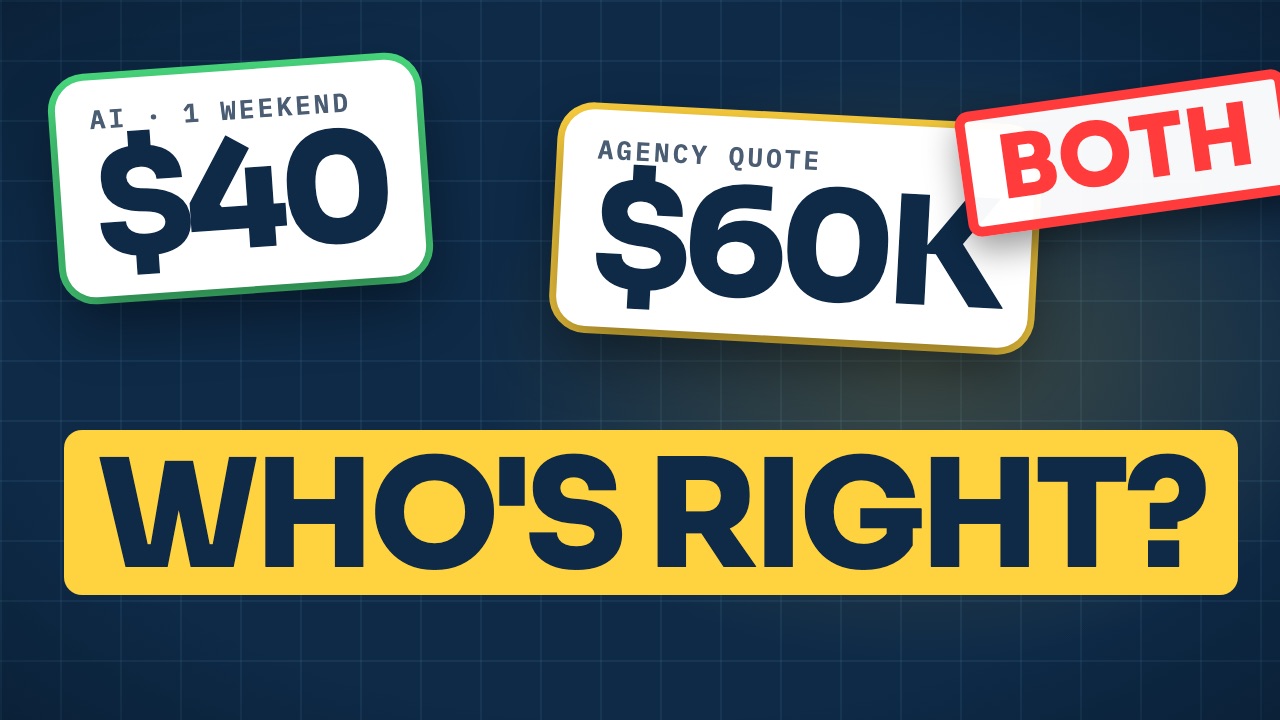
Say your nephew built an app last weekend. He used AI, it cost him about $40, and it works. On Monday, an agency sends you a quote for something similar: $60,000 and four months.
So who’s wrong? Probably neither of them. And the gap between those two numbers is exactly where a lot of projects go wrong right now. AI for small business owners has changed what’s possible on a small budget, but it hasn’t changed everything, and knowing which parts it changed is what keeps you from overpaying or under-building.
After 8+ years of leading software projects, from the first idea to years after launch, our senior delivery team has seen the same thing again and again: the part that decides whether a project works has rarely been the code. Here’s how to tell what AI can handle for you, what it can’t, and what you should be paying for now.
The one idea that explains the gap
AI changed the cost of typing code. It didn’t change the cost of deciding what to build, or of being responsible when it breaks.
Think of power tools. They made builders much faster, and a good builder with a nail gun does more in a day than three people with hammers used to. But power tools didn’t remove the need for someone who knows where the walls go. The $40 app and the $60,000 quote are pricing different things: one is mostly typing, the other is mostly judgment.
AI for small business owners: what it genuinely does well
Let’s be fair to AI first, because it really is good at a lot.
- First drafts. It writes a working first version of code in minutes.
- Prototypes. It can turn an idea into something clickable over a weekend, so you can show customers before you spend real money.
- Repetitive work. It handles the routine parts that used to eat days of a developer’s time.
- Small tools. A pricing calculator for your website, a script that tidies a spreadsheet, a simple internal form.
Good developers use AI every day. In the right hands, it means a smaller team gets more done. That part of the hype is real, and it should show up in the price you pay.
Five things AI still can’t own for your business
Writing code was never the whole job. These are the five parts of a project that still need a person behind them.
1. Deciding what to build. AI builds exactly what you ask for. If the request is vague, you get a confident answer to the wrong question. Working out what your business actually needs, and what to leave out for now, is still a human job.
2. Security and your customers’ data. In Veracode’s 2025 test of AI-generated code across more than 100 models, about 45% of the code samples had a security weakness, and newer, bigger models didn’t do noticeably better (Veracode, 2025). Someone has to check.
3. Connecting to the real world. Payments, customer records, inventory, email. A demo works with test data; real data has edge cases. In the Stack Overflow Developer Survey 2025, about two out of three developers said AI’s answers are often “almost right, but not quite.” Almost right is fine in a prototype. It’s expensive in your billing system.
4. Keeping it running. Updates, backups, monitoring, renewals. AI can help with each one, but it won’t remember to do them, and it won’t notice when something quietly stops working.
5. Responsibility. In July 2025, an AI agent on a popular coding platform deleted a well-known software investor’s live database during a code freeze, as Fortune reported at the time. The platform added safeguards afterwards. But when something goes wrong, AI can’t be accountable. A person has to be.
One more warning sign that’s easy to miss: in a small, careful study of experienced developers using early-2025 AI tools, they took about 19% longer on real tasks while believing they’d been faster. The tools have improved since, and the authors are clear about the study’s limits. But feeling fast and being finished are not the same thing.
When AI alone is enough
So when can you skip developers altogether? More often than agencies like to admit.
- A prototype to test an idea before you spend real money.
- A small internal tool used by a few people on your team, with no sensitive data in it.
- A simple marketing website or landing page.
The rule we use is one question: if it breaks, who gets hurt? If the answer is “only us, and only a little,” go ahead and build it yourself with AI. You’ll learn a lot, and you’ll be a much sharper buyer later.
When you still need developers: three signs
The question isn’t really “will AI replace developers?” It’s whether your project needs experienced people involved. Three signs say yes.
It handles money or personal data. Payments, health information, customer records. A mistake here isn’t a bug. It’s a liability.
Customers depend on it every day. If it goes down, you lose sales or trust. That needs monitoring, testing and someone to call at a bad hour.
It connects to other systems or has to grow. Every new connection and every new thousand users is where AI-built projects tend to stall, often around 80% done. We covered that pattern in why AI-built apps get stuck at 80%.
What to pay for now, and two red flags in a quote
Pay less for typing and more for judgment. That means paying for help deciding what to build, for reviewing and testing what gets built (whether a person or AI wrote it), for security, and for a proper launch and support plan.
For a lot of business owners, the smartest path now is a mix:
- Build the first version yourself with AI to prove the idea.
- Pay an experienced person to review it before it touches real customers.
- Build properly with a smaller team than you’d have needed a few years ago.
When the quotes come in, watch for two red flags. A team that says, “We don’t use AI at all”: you may be paying for slow typing. And a team that says, “AI does it all, so it’s cheap”: you’ll pay later, for the parts they skipped.
One question sorts them quickly: “Where do you use AI on this project, and where does that saving show up in our quote?” For more questions like it, see how to hire an app developer.
So, will AI replace programmers?
For a prototype or a small internal tool, you may not need one. For anything that handles money, data or customers every day, yes, you still need developers. Probably fewer of them, and you should expect a better price than you’d have paid a few years ago. That’s what AI brings: efficiency, not a replacement for the people who decide, check and take responsibility.
The nephew and the agency were both right. They were just building different things. The useful work is splitting your own project the same way: what you can safely do yourself with AI, and what’s worth paying experienced people for.
Not deciding right now? Get the next article when it's out. One email when there's a new guide or article. Nothing else.